Free Edition for VMware and Hyper-V” src=”https://vminstall.com/wp-content/uploads/2012/06/Veeam-Backup-Free-Edition-for-VMware-and-Hyper-V-300×74.png” alt=”Veeam Backup Free Edition” width=”300″ height=”74″ />
“It is HERE!
Veeam Backup Free Edition for VMware and Hyper-V”
I’ve used Free Edition for VMware and Hyper-V” href=”https://vminstall.com/veeam-backup-free-edition-for-vmware-and-hyper-v/”>Veeam Backup in the past and found it to be a good solution so I thought I’d share this message that just popped into my inbox.
Calling all virtualization lovers!
Veeam has some awesome news for you.
It is HERE! Veeam Backup Free Edition for VMware and Hyper-V
This exciting new free product includes the functionality from FastSCP—the essential tool for managing VM and host files, plus:
- VeeamZIP™: Ad-hoc backup of a live VM
- Instant File-Level Recovery: Restore individual guest files directly from a backup
- Quick Migration for VMware: Migrate a live VM to any host or datastore
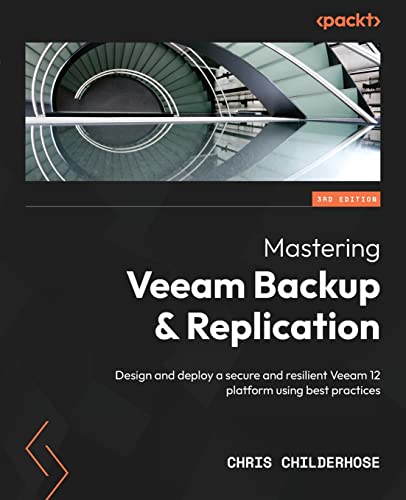
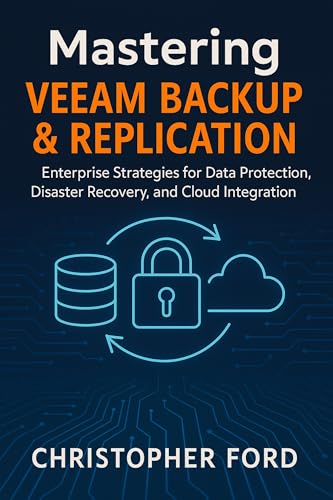
Best Books about Veeam (Top 10 List Updates Daily)

Veeam ZIP for your VMs
VMware and Hyper-V” href=”https://www.veeam.com/virtual-machine-backup-solution-free.html?ad=large” target=”_blank” rel=”noopener noreferrer”>Download Veeam Back Free Edition
Related Reading:
VMinstall.com is a participant in the Amazon Services LLC Associates Program, an affiliate advertising program designed to provide a means for sites to earn advertising fees by advertising and linking to Amazon.com, Amazon.co.uk, Amazon.ca, and other Amazon stores worldwide. *Best Sellers last updated on 2026-06-07 at 14:08.

